

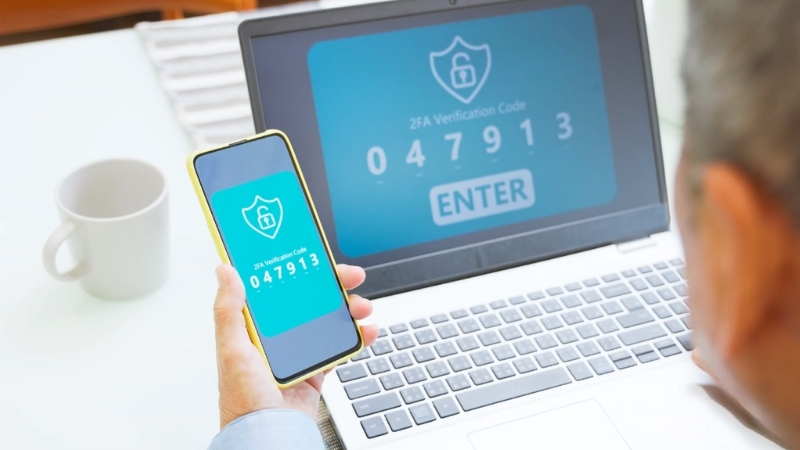
Every week brings another breach headline, yet most real-world break-ins still start the same way. Someone loses control of a password. A phish, an old breach reuse, a cookie grab, or a well-timed support scam opens the door. Once that door opens, attackers move fast.
Two-factor authentication exists to slow down and often stop that first step. In 2026, it remains one of the highest-impact security choices available to regular people and organizations. Verizon’s DBIR continues to flag stolen credentials as a dominant ingredient in common breach patterns.
Microsoft has publicly reported that more than 99.9% of compromised accounts did not have MFA enabled. NIST also keeps pushing verifiers to offer phishing-resistant authentication because phishing remains a major attack vector.
So 2FA still matters. The form you choose matters even more.
Today, we will explain how modern two-factor systems actually work, where popular methods fail, and what strong setups look like for everyday use in 2026.
2FA And MFA In Plain Language
Both terms appear everywhere.
- 2FA means exactly two factors, for example, a password plus an app code.
- MFA means two or more factors, for example, a password, a device prompt plus a biometric unlock.
In daily conversation, MFA often stands in for any multi-step login, even when only two factors exist.
Every factor falls into one of three buckets:
| Factor Type | What It Means | Common Examples |
| Something You Know | A secret stored in memory | Password, PIN, passphrase |
| Something You Have | A physical or digital item | Phone, hardware security key, smart card |
| Something You Are | A biometric check | Fingerprint, face unlock |
NIST’s SP 800-63B (Rev. 4) formalizes how authenticators are evaluated through Authenticator Assurance Levels and also highlights phishing-resistant designs at stronger levels.
Why 2FA Still Matters In 2026
Account compromise today looks operational rather than cinematic:
- Password reuse pulled from old breach dumps
- Credential stuffing and spraying
- Real-time phishing pages that proxy logins
- Infostealer malware lifting cookies and saved tokens
- SIM swaps and help desk social engineering
Verizon’s DBIR repeatedly points back to stolen credentials as a leading driver in web application breaches. Microsoft reports more than 99.9% of compromised accounts lacked MFA.
NIST guidance continues to stress phishing-resistant authentication because phishing remains a top-tier threat..
A second factor adds friction, which is critical for safeguarding access to all kinds of accounts, including financial and gaming sites like Impressario Casino’s minimum deposit where securing entry matters.
How Two-Factor Authentication Works
Two-factor systems run through two phases.
Enrollment
A service binds a second-factor authenticator to your account. A QR code, a security key registration, or a device pairing step usually happens here.
Authentication
Login verifies the password and then verifies the second factor.
Under the hood, modern 2FA designs fall into two categories:
| Design | How It Works | Typical Examples |
| Shared Secret | Server and authenticator share a secret value | TOTP app codes |
| Public Key | Server stores a public key, device holds the private key | WebAuthn, passkeys, security keys |
Public key designs form the backbone of phishing-resistant authentication because credentials bind to the real website or app identity.
SMS One-Time Codes
A phone-delivered code still feels familiar to many users, yet SMS remains the most fragile second-factor option in active use today.
How SMS 2FA Works
- Enrollment adds a phone number.
- Login sends a short code over the phone network.
- The code gets typed into the login page.
Weak Points In 2026
SMS suffers from well-documented issues:
- SIM swaps and number port-out fraud
- Phone network interception risks
- Telecom support social engineering
- Real-time phishing that relays codes instantly
NIST’s SP 800-63B-4 treats PSTN delivery as a restricted authenticator and flags SIM change and number porting events as risk signals. SMS remains better than no 2FA, yet it should not sit at the center of critical accounts.
Authenticator App Codes (TOTP)
View this post on Instagram
Time-based one-time password apps sit at the center of modern 2FA adoption because they remove reliance on phone networks while keeping setup simple enough for everyday use.
How TOTP Works
- A service shows a QR code that encodes a shared secret seed.
- The authenticator app stores that seed.
- Every 30 seconds in most deployments, the app generates a short numeric code using RFC 6238 rules.
- The server generates the same code and compares results.
TOTP builds on HOTP defined in RFC 4226 and remains the most widely supported app-based 2FA method.
- Not tied to phone networks
- Simple and inexpensive
- Stronger than SMS in most real-world cases
- Real-time phishing can relay codes
- Proxy phishing kits can capture codes
- Seed theft gives attackers long-term access
TOTP works well as a mid-tier option when phishing-resistant methods are not yet available.
Push Approvals And Number Matching
Push approvals and number matching introduce a phone-based confirmation step that trades raw speed for better resistance against accidental taps, prompt flooding, and common social engineering tricks.
How Push Works
A password triggers a phone prompt asking for approval. A tap or biometric unlock confirms the login.
MFA Fatigue
Attackers spam approval prompts, hoping for an accidental approval. Number matching reduces that risk by requiring the user to confirm a number shown on the login screen, yet push methods remain less resilient than public key designs.
Hardware Security Keys (FIDO2 / WebAuthn)

Hardware security keys sit among the strongest MFA options available.
How WebAuthn Keys Work
- Enrollment creates a site-scoped credential inside the key.
- A public key gets stored by the service.
- Login sends a cryptographic challenge.
- The key signs the challenge is only for the legitimate site after a user touches.
WebAuthn credentials remain bound to a relying party origin, so lookalike phishing domains cannot use them.
The W3C WebAuthn specification defines that scoping model directly. UK NCSC guidance also highlights FIDO2 as one of the most secure and usable MFA methods.
Passkeys
@gg.sheed Passkeys are black magic 🤯 Passkeys are a super helpful and safe way to log into apps and websites without needing to enter a password at all. The actual “passkey” or private key used to login is stored safely on the hardware of your device, (or sometimes with a password manager) This is definitely a huge oversimplification but in general this is how passkeys work! Each key is basically a really long number, and by using advanced math and cryptography, apps and websites can verify whether the “challenge” was signed by the correct private key. Without even knowing what the private key is. #techtok #gadgets #network #smartphone ♬ Vibes do Studio Ghibli – Dandara Music
Passkeys rely on FIDO public key cryptography but live inside phones, laptops, and cloud keychains.
Why Passkeys Matter
- Users stop typing passwords into webpages
- Authentication binds to the legitimate service identity
- No reusable code exists to relay
Google reports that passkeys were used more than 1 billion times across over 400 million Google Accounts in under a year. Their own measurements also show passkeys being faster than passwords. FIDO Alliance launched a Passkey Index to track broader adoption.
Remaining Risks
- Weak recovery paths
- Device compromise
- Session token theft
Passkeys still represent a strong shift toward phishing-resistant defaults.
Smart Cards And Certificate-Based Authentication
Government and regulated enterprises often rely on PKI smart cards and certificate credentials.
NIST AAL3 requirements and CISA guidance both stress phishing-resistant designs in federal identity programs, including FIDO deployments.
Security And Usability Comparison
| Method | Phishing Resistance | Common Bypasses | Best Use In 2026 |
| SMS Codes | Low | SIM swap, phishing relay | Low-risk fallback |
| TOTP App Codes | Medium | Phishing proxies, seed theft | Default for SMBs |
| Push Approvals | Medium | MFA fatigue | With number matching |
| Hardware Security Keys | High | Weak recovery | Admins, critical accounts |
| Passkeys | High | Weak recovery, device compromise | Consumer default |
| Smart Cards / PKI | High | Workflow gaps | Regulated enterprise |
How Attackers Try To Bypass 2FA
| Tactic | What It Targets |
| Real-time phishing proxies | SMS and TOTP |
| SIM swap fraud | SMS |
| MFA fatigue | Push |
| Recovery exploitation | Weak account recovery |
| Session token theft | Active sessions |
CISA hybrid identity guidance emphasizes pairing phishing-resistant MFA with modern identity architecture to reduce such risks.
Practical Setup Guidance For 2026
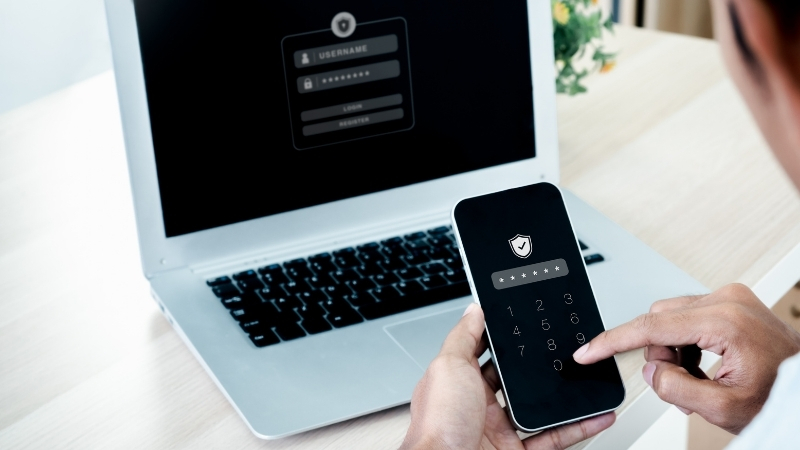
The next section lays out concrete steps that help turn two-factor authentication from a checkbox setting into a reliable layer of daily account protection.
Individual Users
- Enable passkeys on primary email, cloud storage, and financial services.
- Add a hardware security key for critical accounts.
- Prefer TOTP over SMS when stronger options are unavailable.
- Harden recovery by updating recovery contacts and storing backup codes offline.
Organizations
- Require MFA for all external access.
- Use phishing-resistant MFA for admins and high-risk roles.
- Eliminate legacy authentication that bypasses MFA.
- Monitor new factor enrollment and recovery changes.
NIST guidance explicitly pushes verifiers to offer phishing-resistant options at AAL2 and higher.
What “Phishing-Resistant” Means In Practice
Phishing-resistant authentication prevents logins on lookalike domains by design. WebAuthn only releases credentials to the legitimate relying party origin.
UK NCSC guidance and NIST 800-63 documents both promote such designs for stronger identity assurance.
A Simple Rollout Model

Phase 1
Enable MFA everywhere, even if TOTP or push serves as a starting point.
Phase 2
Move administrators and financial roles onto phishing-resistant MFA.
Phase 3
Harden enrollment and recovery workflows.
Phase 4
Expand passkeys and reduce password entry exposure.
Google’s reported adoption metrics show that large ecosystems can shift users toward phishing-resistant sign-in without harming usability.
Summary
Two-factor authentication still sits among the strongest protective steps available in 2026.
The modern versions built on public key cryptography finally give everyday users and organizations tools that block whole classes of phishing attacks rather than chasing them after damage appears.